 STELABEAUTYAPP
Makeup bronzer for beginners: shade and application
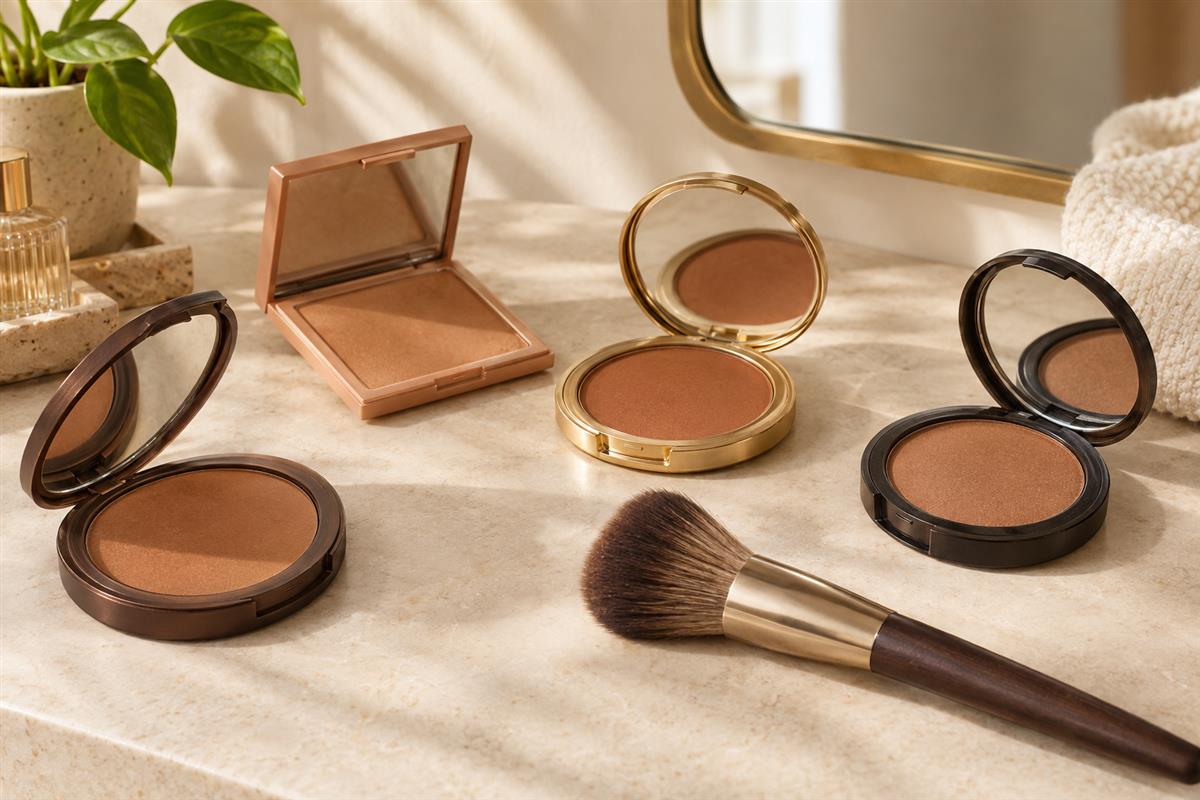
Makeup bronzer adds visual warmth to the face. It comes in powder, cream and liquid forms, and there is no single shade or placement that works for everyone. Intensity is a personal choice rather than a fixed rule.
If you have never used it, start with a small amount and check the result in good light. This guide explains how to compare shades, pick a tool and soften excess without making the routine complicated.
Bronzer versus contour
Bronzer generally aims to add warmth, while contour is used to create the appearance of shadow. Both steps are optional, and people may use them separately, together or not at all. Neither is required to complete a makeup look.
Shades and finishes differ between brands. A color that looks too orange, gray or intense may not create the result you want. Test on your own skin instead of choosing only from a photograph or from how a product looks on someone else.
Choose a shade and format
For a subtle effect, look for a shade that contrasts gently with your skin. Skin has many different depths and undertones, so compare several options near your face and observe them in natural light before making a decision.
Powder is often applied with a soft brush; cream or liquid may be spread with clean fingers, a brush or a sponge. No format is best for every person. Choose one you can control and whose texture feels comfortable on your skin.
Read also: How to choose and apply blush for a natural finish.
Prepare your layers
Apply any skincare you need first and, during the day, use sunscreen according to its directions. If you wear foundation or concealer, allow the layers to settle. Bronzer is a color cosmetic and does not replace sun protection.
Some cream formulas blend easily over liquid makeup, while a powder may work well over a settled base. Test your own combination at home: if the product gathers or moves the layer underneath, use less and allow more time between applications.
Apply a small amount
With a clean brush, pick up a little powder and remove the excess. Tap lightly where you want warmth, such as the upper cheeks or forehead, and blend outward. You do not need to apply product over your entire face.
For cream or liquid, place a small amount and blend with gentle taps. Start with one area and compare both sides before adding more. Avoid the inside of your eyes and follow the product’s instructions for its intended areas of use.
Soften and check the result
Look at your whole face in natural light. If an edge appears obvious, soften it with a clean brush or the tool used for your base, without rubbing hard. You can gently remove excess before adding another layer.
If the color looks too strong, use less or try a different shade next time. Avoid darkening the whole face in an attempt to look tanned: the goal is a finish you enjoy, not changing your natural skin tone.
Care for skin and tools
Clean brushes and sponges regularly, let them dry fully and do not share applicators. Close containers and check the indicated period of use. Discard products that change in smell, color or texture, and keep tools in a clean place.
Remove makeup before bed with an appropriate cleanser. If burning, itching or redness occurs, stop using the product and consult a professional if it persists. You can explore colors virtually, remembering that actual results vary with formula and lighting.
Quick summary
- Bronzer adds warmth and is an optional step.
- Compare shades and formats in natural light.
- Apply sunscreen separately.
- Start with a light layer and blend gently.
- Keep applicators clean and remove makeup.